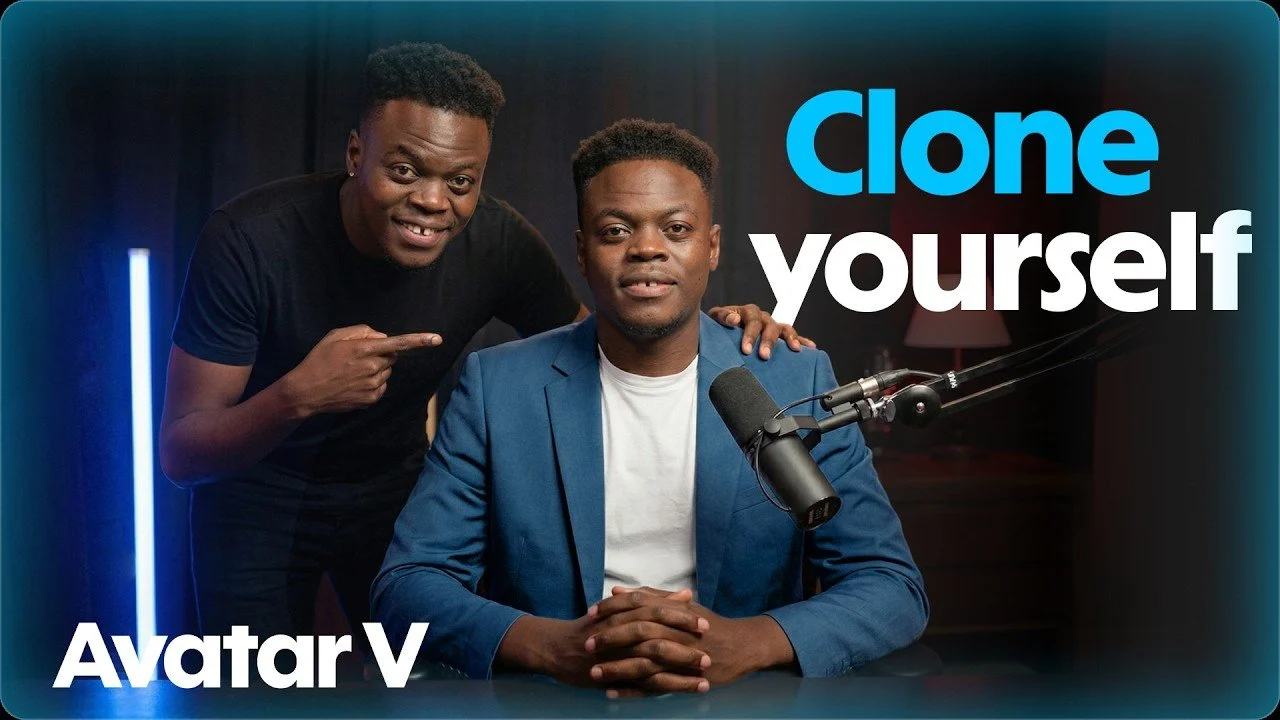
HeyGen Avatar V allows users to create lifelike digital avatars from a brief 15-second video recording, capturing unique facial expressions and mannerisms for a personalized result. Developed by HeyGen, it offers features like voice cloning, customizable appearances and automated scene transitions. For instance, users can adjust wardrobe, backgrounds and lighting to align with specific branding or creative needs, making sure a cohesive and professional output.
Discover how to design and refine your avatar by mastering video recording techniques and adjusting voice cloning settings. Learn to integrate automated scene transitions to streamline production workflows and maintain consistency across projects. Gain insight into practical methods for achieving realistic and polished results that meet your creative goals.
Creating Your Digital AI Avatar
TL;DR Key Takeaways :
- HeyGen Avatar V uses advanced AI to create realistic digital avatars, allowing professional-grade video production with features like voice cloning, customizable visuals and automated scene transitions.
- Users can generate a digital twin in just 15 seconds by recording a short video, with options to clone their real appearance or design a virtual character tailored to their needs.
- Voice cloning enhances avatar realism by replicating tone, rhythm and speaking style, making it ideal for engaging content such as presentations and educational videos.
- The platform offers extensive customization options, including outfits, backgrounds and lighting, to align avatars with specific branding or creative goals.
- HeyGen’s AI-powered tools, such as the Video Agent feature, streamline video production by automating scripts, layouts and transitions, making it accessible for scalable content creation across industries.
The process of creating a digital twin with HeyGen Avatar V is straightforward and user-friendly. Follow these steps to get started:
- Record a 15-second video: This serves as the foundation for your avatar. Ensure your face is clearly visible, expressive and well-lit to capture your unique mannerisms and expressions accurately.
- Choose your avatar type: Decide whether to clone your real appearance or design a virtual character. HeyGen allows you to refine your avatar’s features to suit your specific needs, whether for professional, marketing, or creative purposes.
To achieve the best results, pay close attention to the quality of your recording. Proper lighting and a clear video ensure your avatar looks polished and professional, setting the stage for high-quality content creation.
Enhancing Realism with Voice Cloning
Voice cloning is an optional yet powerful feature that significantly enhances the realism of your avatar. By recording a short sample of your voice, HeyGen captures your tone, rhythm and speaking style to create a natural-sounding voice replica. This feature is particularly useful for creating engaging and relatable content.
To ensure optimal audio quality:
- Record in a quiet environment to minimize background noise and distractions.
- Speak clearly and naturally to ensure your voice is accurately replicated.
Incorporating voice cloning into your avatar makes it more dynamic and lifelike, especially for applications such as presentations, customer-facing videos, or educational content.
Take a look at other insightful guides from our broad collection that might capture your interest in HeyGen.
Customizing Your Avatar’s Appearance
Once your avatar is created, HeyGen provides a range of tools to customize its appearance and align it with your goals. You can fine-tune various aspects, including:
- Outfits: Select clothing styles that reflect your brand identity or the message you want to convey.
- Backgrounds: Choose from pre-built scenes or upload custom visuals to create the desired setting for your video.
- Lighting: Adjust lighting to ensure consistency and enhance the overall aesthetic of your avatar.
Using a high-quality base photo ensures your avatar maintains visual consistency across different scenes, making it appear cohesive and professional. These customization options allow you to tailor your avatar to suit a wide range of applications, from corporate presentations to creative storytelling.
Streamlining Video Production
HeyGen’s AI-powered studio simplifies the video production process, making it accessible even to users with minimal technical expertise. Whether you’re creating a single video or an entire series, the platform offers intuitive tools to help you achieve polished results efficiently. Key features include:
- Script input: Manually input your scripts or use AI tools like ChatGPT to generate content tailored to your needs.
- Avatar motion control: Adjust your avatar’s movements to create a natural and dynamic presentation.
- Automated scene transitions: Streamline the editing process to produce a seamless and professional final product.
The user-friendly interface ensures that even beginners can navigate the platform with ease, allowing them to produce high-quality videos without requiring extensive technical knowledge.
Using the Video Agent Feature
The Video Agent feature takes automation to the next level, allowing you to generate multi-scene videos with minimal effort. By inputting a single prompt, you can create videos that integrate:
- Scripts
- Avatars
- Layouts
- Transitions
This feature is particularly valuable for scalable content creation, allowing businesses and creators to produce high-quality videos quickly and efficiently. Whether you’re developing marketing campaigns, training modules, or educational materials, the Video Agent feature streamlines the process, saving time and resources.
Best Practices for Realistic and Engaging Results
To ensure your avatar delivers a professional and lifelike appearance, consider these best practices:
- Be expressive: During the initial recording, use natural facial expressions and gestures to avoid creating a robotic or lifeless avatar.
- Use a clear base photo: Select a close-up image with minimal distractions in the background to maintain consistency across scenes.
- Optimize voice recordings: Record in a quiet environment to enhance audio clarity and ensure your voice sounds natural and engaging.
By following these guidelines, you can create an avatar that captures your personality while maintaining a polished and professional look. These steps are essential for producing high-quality content that resonates with your audience.
Applications of HeyGen Avatar V
HeyGen Avatar V is a versatile tool with applications across a wide range of industries. Its ability to produce scalable, high-quality videos makes it an invaluable asset for businesses, educators and creators. Key applications include:
- Marketing campaigns: Develop engaging video content for social media, advertising and brand promotion.
- Professional presentations: Create training modules, corporate communications, or educational materials with a polished and professional touch.
- Creative projects: Experiment with different visual styles and environments for storytelling, artistic endeavors, or personal projects.
The flexibility of HeyGen Avatar V allows users to produce videos in diverse settings without the need for re-recording, making it a powerful tool for modern content creation.
Unlocking the Potential of HeyGen Avatar V
HeyGen Avatar V combines AI-driven innovation with user-friendly features to redefine video production. From creating lifelike digital twins to automating complex video processes, this platform enables users to produce high-quality, customizable videos with ease. By following the outlined steps and best practices, you can unlock the full potential of HeyGen Avatar V and elevate your content creation efforts. Whether you’re working on marketing campaigns, educational materials, or creative projects, HeyGen Avatar V offers a powerful and efficient solution for modern video production needs.
Media Credit: HeyGen
Disclosure: Some of our articles include affiliate links. If you buy something through one of these links, techschimp Gadgets may earn an affiliate commission. Learn about our Disclosure Policy.