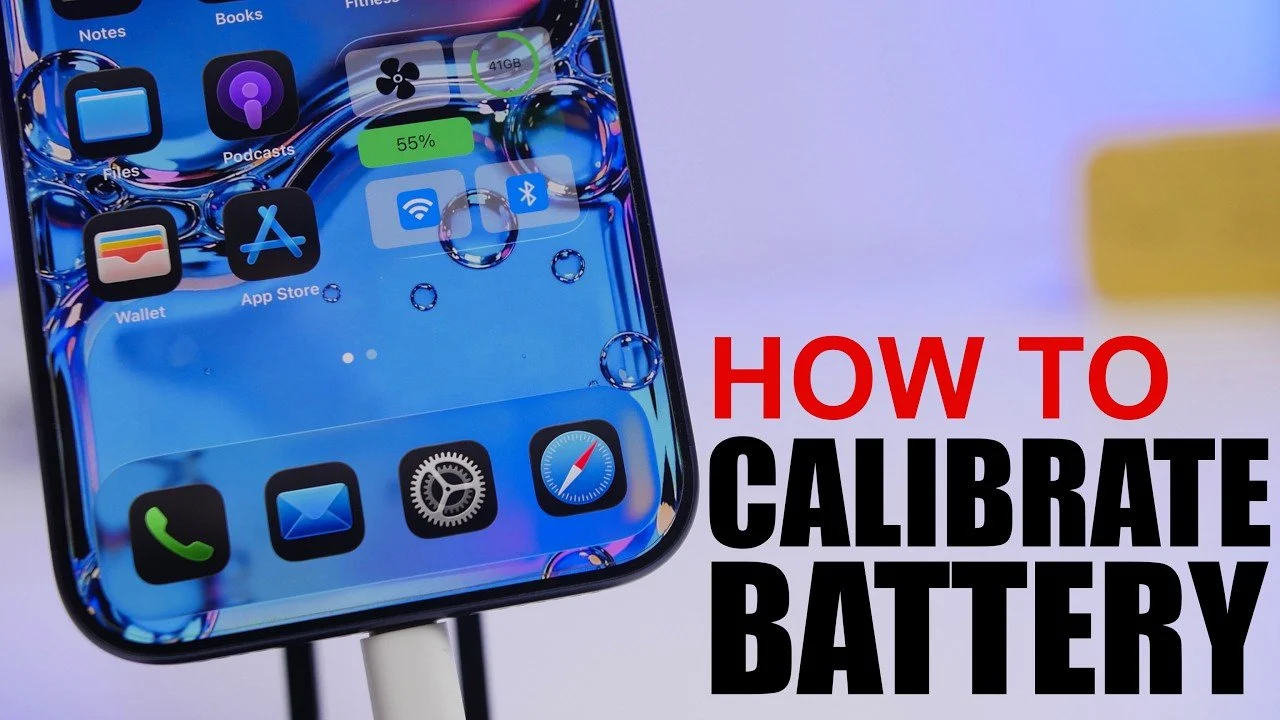
Calibrating your iPhone battery is an essential process to maintain accurate battery percentage readings and resolve issues such as sudden drops, incorrect readings, or unexpected shutdowns. By following a structured calibration process, you can ensure your iPhone operates reliably and delivers optimal performance on iOS 26.5. The video below from iReviews gives us more details.
Why Battery Calibration Matters
Battery calibration plays a crucial role in maintaining your iPhone’s reliability. Over time, your device’s battery metrics may become inaccurate, leading to problems such as unexpected shutdowns or rapid percentage drops. Calibration helps reset these metrics, making sure your iPhone provides precise battery readings. This not only improves your device’s performance but also enhances your overall user experience by preventing unnecessary disruptions.
Preparing Your iPhone for Calibration
Proper preparation is key to a successful calibration process. Before you begin, take the following steps to ensure your iPhone is ready:
- Disable Optimized Battery Charging: Navigate to your iPhone’s battery settings and turn off “Optimized Battery Charging.” This feature, while useful for long-term battery health, can interfere with the calibration process by limiting the charge.
- Fully Charge Your Device: Connect your iPhone to a charger and allow it to reach 100%. Once fully charged, leave it plugged in for an additional 20-30 minutes to ensure the battery is completely saturated.
These preparatory steps help create the ideal conditions for accurate battery recalibration.
Step-by-Step Guide to Calibrate Your iPhone Battery
Once your iPhone is fully charged and prepared, follow these steps to recalibrate its battery:
- Drain the Battery Completely: Use your iPhone as you normally would until the battery is fully depleted and the device powers off automatically. Avoid charging the device during this phase.
- Allow the Battery to Rest: After your iPhone shuts down, leave it powered off for a few hours. This resting period allows the battery to stabilize at zero charge, which is essential for accurate calibration.
- Recharge Without Interruptions: Connect your iPhone to a charger and allow it to charge uninterrupted until it reaches 100%. Avoid using the device during this time to ensure the calibration process is not disrupted.
Following these steps ensures that your iPhone’s battery metrics are reset and recalibrated effectively.
Completing Calibration with a Hard Reset
To finalize the calibration process, perform a hard reset on your iPhone. This step ensures the device accurately updates its battery metrics:
- While your iPhone is still connected to the charger, press the volume up button, then the volume down button and hold the side button until the Apple logo appears on the screen.
- Once the device restarts, verify that the battery percentage displays 100% correctly.
This final step reinforces the calibration process, making sure your iPhone’s battery readings are accurate and reliable.
How Often Should You Calibrate Your Battery?
Battery calibration is a maintenance task that should be performed sparingly. It is generally recommended to recalibrate your iPhone battery every 1-3 months or whenever you notice irregular behavior, such as unexpected shutdowns or inaccurate percentage readings. However, frequent full discharges can negatively impact your battery’s long-term health. To minimize wear, only calibrate your battery when necessary and avoid making it a routine practice.
Post-Calibration Expectations
After completing the calibration process, you can expect your iPhone to display accurate battery percentages and operate more reliably. Issues such as sudden shutdowns or erratic battery behavior should be resolved, providing a smoother and more predictable user experience. Additionally, accurate battery readings allow you to monitor your device’s battery health more effectively, helping you make informed decisions about usage and charging habits.
By following this guide, you can confidently recalibrate your iPhone battery on iOS 26.5, making sure your device performs at its best and delivers accurate battery metrics.
Explore further guides and articles from our vast library that you may find relevant to your interests in iPhone battery calibration.
Source & Image Credit: iReviews
Disclosure: Some of our articles include affiliate links. If you buy something through one of these links, techschimp Gadgets may earn an affiliate commission. Learn about our Disclosure Policy.