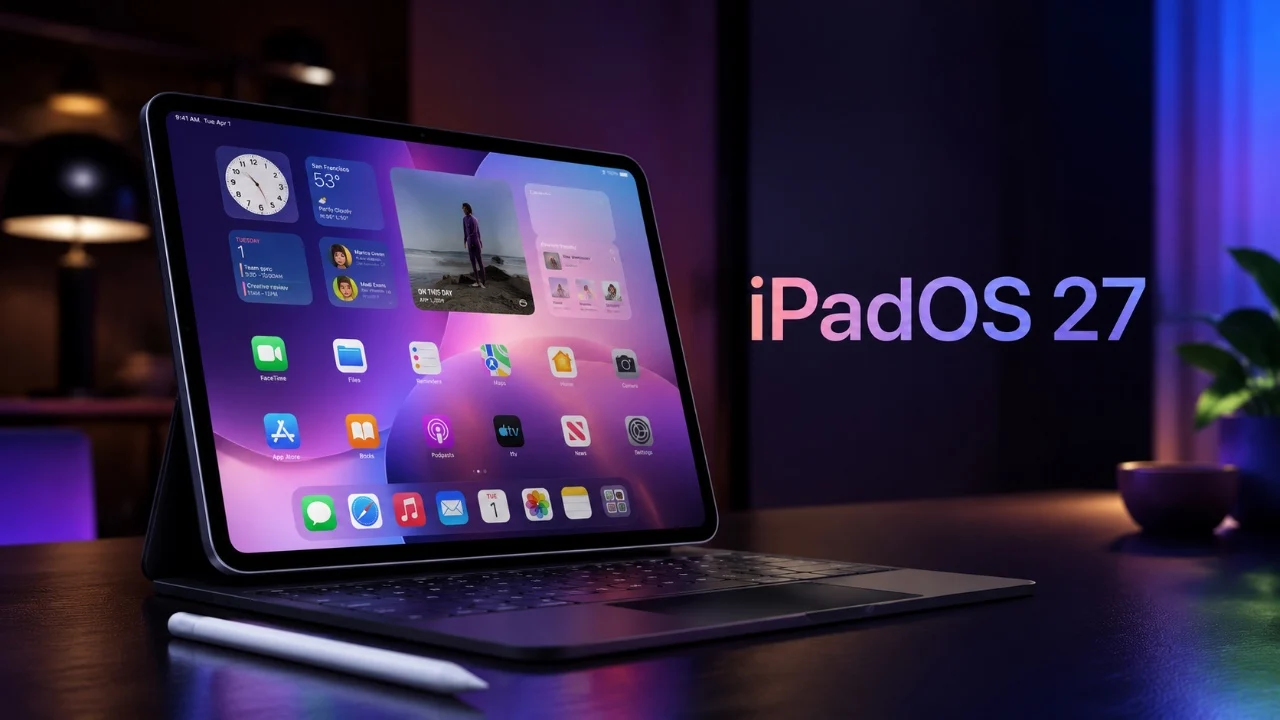
Apple’s iPadOS 27 introduces advanced artificial intelligence (AI) capabilities, reshaping how users interact with their iPads. This update emphasizes practical, AI-driven tools designed to enhance productivity, streamline workflows, and create a more intuitive user experience. Building on the multitasking and visual improvements of iPadOS 26, this latest version shifts its focus to functionality, making the iPad an even more versatile tool for both personal and professional use. The video below from 9 to 5 Mac gives us more details on what to expect from iPadOS 27 when it is revealed later today.

AI-Powered Safari Tab Groups: Smarter Browsing Made Simple
Managing multiple browser tabs can quickly become overwhelming, especially when juggling various tasks. iPadOS 27 tackles this challenge with AI-powered Safari Tab Groups, a feature that intelligently organizes your open tabs based on context. Tabs are grouped automatically, eliminating the need for manual sorting. For example:
- Work-related tabs can be grouped separately from personal research or entertainment tabs.
- Shopping or travel planning tabs might be clustered for easier access during specific tasks.
This intelligent organization reduces browser clutter and helps you locate information faster. Whether you’re multitasking or conducting in-depth research, Safari becomes a more efficient tool for navigating your digital workspace, allowing you to focus on your priorities.
Enhanced Spotlight Search: Your AI-Driven Productivity Hub
Spotlight Search in iPadOS 27 evolves into a centralized hub for managing tasks and finding information. Powered by Siri 2.0, this revamped feature offers:
- A redesigned interface with rich UI cards that display detailed previews of search results.
- Improved precision, allowing you to locate files, apps, or web content using natural language descriptions.
- Expanded functionality, such as creating calendar events, sending messages and running shortcuts directly from the search bar.
For instance, you can search for a document by describing its content (“Find the presentation about Q4 marketing”) or ask for nearby restaurant recommendations. This integration of AI transforms Spotlight into a powerful assistant, streamlining how you interact with your iPad and making it easier to manage your daily tasks.
AI-Generated Shortcuts: Simplifying Automation for Everyone
Automation becomes more accessible with AI-generated shortcuts in iPadOS 27. By using natural language prompts, you can instruct Siri to create workflows tailored to your needs. Examples include:
- “Create a shortcut to email my weekly overview to my manager every Friday.”
- “Set up a routine to activate Do Not Disturb and play calming music at 10 p.m.”
This feature removes the complexity of manually configuring shortcuts, making it approachable even for users unfamiliar with the Shortcuts app. By using AI, iPadOS 27 enables you to save time and focus on tasks that matter most, whether you’re managing work responsibilities or personal routines.
System-Wide Grammar Check: Elevating Writing Standards
Writing on the iPad becomes more refined with the introduction of a system-wide grammar check. This feature goes beyond basic spellchecking to provide advanced grammar suggestions and sentence restructuring tools. Key benefits include:
- Real-time suggestions for improving clarity, tone and conciseness.
- Alternative sentence structures for more effective communication.
- Support across all apps, from emails to notes and messaging platforms.
For example, if a sentence could be clearer, the system will suggest improvements instantly. This tool is particularly valuable for professionals, students and anyone who relies on their iPads for writing-intensive tasks. By making sure your work is polished and professional, this feature enhances the iPad’s utility as a productivity device.
Natural Language Prompts and Workflow Automation: Simplifying Complex Tasks
iPadOS 27 introduces natural language prompts and intelligent workflow automation, making complex tasks effortless. By simply describing your goal, you can trigger multi-step workflows without manual setup. For instance:
- “Schedule a meeting with my team for tomorrow at 11 a.m.” will create a calendar event, notify participants and suggest relevant documents to include.
- “Organize my vacation photos” will sort images into albums based on location or subject.
This seamless integration of AI into everyday tasks enhances productivity, allowing you to focus on achieving results rather than managing processes. Whether you’re organizing your schedule or managing personal projects, these tools adapt to your needs, making the iPad a more intuitive and efficient device.
Redefining the iPad Experience with Intelligent Features
iPadOS 27 marks a significant step forward in the evolution of Apple’s tablet operating system. By prioritizing AI-driven enhancements, this update shifts the focus from aesthetics to functionality, delivering tools that adapt to your unique needs. Key features such as AI-powered Safari Tab Groups, enhanced Spotlight Search, AI-generated shortcuts, system-wide grammar check and natural language prompts collectively redefine what the iPad can achieve.
Whether you’re a professional seeking to optimize your workflow or a casual user looking for a more intuitive experience, iPadOS 27 offers intelligent solutions that simplify tasks and enhance usability. This release not only improves the iPad’s capabilities but also sets a new benchmark for user-centric design in mobile operating systems, making sure the iPad remains a versatile and indispensable tool in your daily life.
Source & Image Credit: 9to5Mac
Disclosure: Some of our articles include affiliate links. If you buy something through one of these links, techschimp Gadgets may earn an affiliate commission. Learn about our Disclosure Policy.