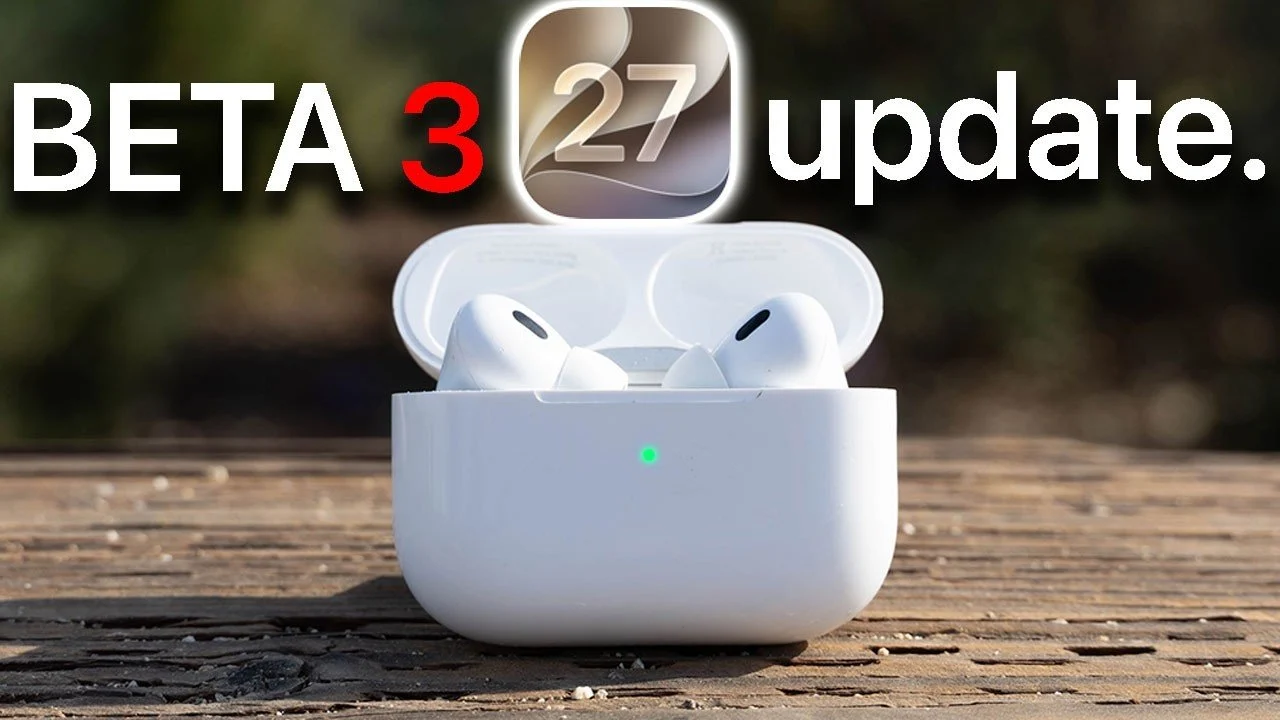
The release of iOS 27 Beta 3 introduces a range of updates for AirPods, focusing on enhancing audio personalization, improving connectivity, and boosting user convenience. These updates include a customizable equalizer, advancements in adaptive audio mode, and expanded Siri integration. While these features aim to refine your listening experience, certain limitations, such as restricted firmware update options and incomplete Siri functionality, remain evident. The video below from HotshotTek gives us more details.
Enhanced Adaptive Audio Mode
A standout feature in iOS 27 Beta 3 is the improved adaptive audio mode, which now includes a slider for adjusting the balance between noise cancellation and transparency mode. This enhancement allows you to fine-tune ambient sound levels based on your environment. Whether you’re in a bustling city or a quieter setting, this feature provides greater control over how much external sound you let in.
However, the slider is only accessible through the settings menu, which may feel less intuitive compared to other audio controls available in the Control Center. This added step could be inconvenient for users who need to make quick adjustments while on the move.
Customizable Equalizer for Personalized Sound
The addition of a customizable equalizer is another significant update, allowing you to tailor the audio output to your preferences. This feature allows you to create a single custom profile to adjust bass, treble, and midrange frequencies, offering a more personalized listening experience. For users who value tailored sound, this is a welcome improvement.
However, the equalizer’s functionality is somewhat limited compared to third-party audio solutions, which often provide multiple profiles and more advanced customization options. If you’re someone who seeks precise control over your audio settings, this limitation may feel restrictive.
Firmware Updates: Automatic but Inflexible
Firmware updates for AirPods remain automatic, with no option for manual installation. Updates occur only when your AirPods are charging and connected to a device running iOS 27 Beta 3. To access beta firmware, you must enable the beta option in the AirPods settings.
While this automatic process ensures updates happen seamlessly in the background, the lack of manual control can be frustrating. If you’re eager to access new features or fixes immediately, this limitation may feel like a drawback. The inability to manually trigger updates highlights a need for greater flexibility in future iterations.
Expanded Siri Integration
Siri integration has been incrementally improved in this beta, allowing you to use voice commands to toggle between noise cancellation and transparency mode. This hands-free functionality adds convenience, especially for users who frequently switch between audio modes.
However, Siri’s capabilities remain incomplete. For example, it cannot activate or adjust the new adaptive audio mode, requiring you to make these changes manually. This gap in functionality reduces the overall utility of Siri’s expanded features, leaving room for further refinement in future updates.
Better Connectivity for a Smoother Experience
Connectivity has seen notable improvements in iOS 27 Beta 3. AirPods now maintain a more stable connection with devices running the same beta version, reducing issues such as call drops and disconnections. This enhancement is particularly beneficial for users who rely on AirPods for extended listening sessions or frequent calls.
However, these improvements are contingent on both devices being updated to the latest beta version. If one device is not updated, you may not experience the full benefits of these connectivity enhancements, which could limit their practicality in mixed-device environments.
Public Beta Release Timeline
The public beta release of iOS 27 Beta 3 is expected to roll out by mid-to-late July 2026. This release provides an opportunity for users to explore the new features and offer feedback before the official launch. However, as with any beta software, you should anticipate potential bugs and incomplete features that may affect usability.
Key Limitations to Keep in Mind
While iOS 27 Beta 3 introduces meaningful updates, certain limitations persist:
- The inability to manually update AirPods firmware can be inconvenient for users seeking immediate access to new features.
- The customizable equalizer, though useful, lacks the advanced options offered by competing brands.
- Siri’s inability to fully control adaptive audio mode settings highlights the need for further integration improvements.
- Connectivity improvements depend on both devices being updated to the same beta version, limiting their effectiveness in mixed-device setups.
These limitations suggest that while the update is a step forward, there is still room for improvement in delivering a more seamless and comprehensive user experience.
Balancing Innovation with Practicality
iOS 27 Beta 3 delivers valuable updates to AirPods, enhancing audio controls, connectivity, and personalization. Features like the adaptive audio mode slider and customizable equalizer provide users with greater control over their listening experience, while connectivity enhancements ensure more stable performance during calls and extended use.
However, limitations such as restricted firmware updates, incomplete Siri functionality and the lack of advanced equalizer options highlight areas where further development is needed. These shortcomings underscore the importance of balancing innovation with practicality, making sure that new features are both functional and user-friendly.
As Apple continues to refine these features, future updates may address these gaps, offering a more seamless and comprehensive experience for AirPods users. For now, iOS 27 Beta 3 offers a glimpse into the evolving capabilities of AirPods, blending incremental improvements with opportunities for further enhancement.
Advance your skills in iOS 27 Beta 3 by reading more of our detailed content.
Source & Image Credit: HotshotTek
Disclosure: Some of our articles include affiliate links. If you buy something through one of these links, techschimp Gadgets may earn an affiliate commission. Learn about our Disclosure Policy.