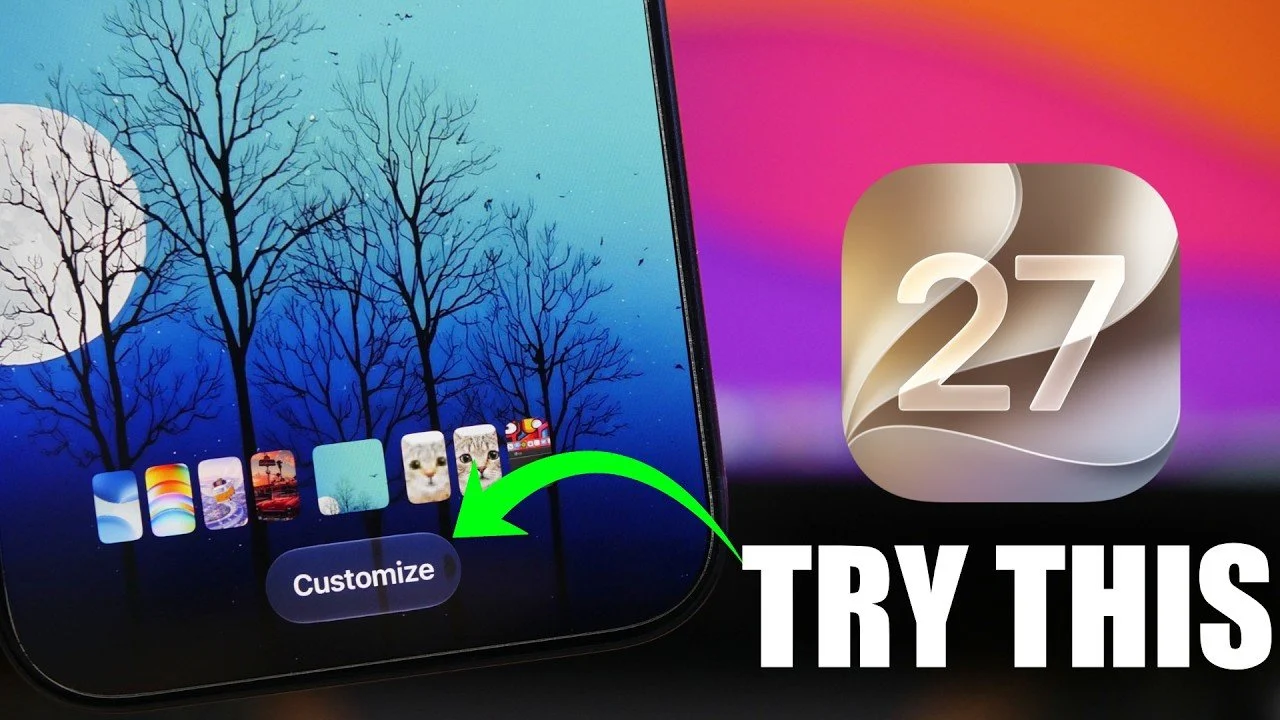
iOS 27 brings a host of new features designed to enhance usability, customization, and productivity. Whether you’re aiming to streamline multitasking, personalize your device, or access more efficient tools, this update offers something for everyone. In the video below, iReviews delves into the top 10 features you should explore to maximize your experience with iOS 27.

1. Landscape Mode for Apps
Apple has expanded the functionality of landscape mode in iOS 27, allowing optimized horizontal layouts for several stock apps, including Mail, Notes and Safari. This enhancement significantly improves readability and multitasking, making tasks like composing emails or browsing the web more seamless. However, the home screen remains locked in portrait mode, limiting landscape functionality to specific apps. This feature is particularly beneficial for users who frequently work on their devices in horizontal orientation.
2. Independent Volume Controls
iOS 27 introduces separate volume controls for ringtones, alarms, timers and system alerts, giving users greater precision in managing sound settings. Accessible through the “Sounds & Haptics” menu, this feature allows you to fine-tune audio preferences for different scenarios without affecting other sound profiles. Whether you’re silencing alarms while keeping notifications audible or adjusting timers independently, this update provides a more tailored audio experience.
3. Timer Slider in Control Center
Setting timers has never been more intuitive, thanks to the new slider-based interface in the Control Center. This feature allows you to adjust timers directly from the lock screen or Control Center without opening the Clock app. Ideal for quick tasks like cooking or timed workouts, the streamlined design ensures that you can set and manage timers with minimal effort.
4. Customizable Lock Screen Clock
Personalization takes center stage with the ability to adjust the size and color of the lock screen clock. You can now minimize the clock or match its color to your wallpaper, creating a cohesive and visually appealing lock screen. This feature allows users to strike a balance between aesthetics and functionality, making sure the lock screen reflects their personal style without compromising usability.
5. Clipboard Integration with the Keyboard
Multitasking becomes smoother with the new clipboard integration in iOS 27. When you copy text, images, or links, they appear at the top of the keyboard for quick access. This eliminates the need to switch between apps, saving time and effort during tasks that require frequent copying and pasting. Whether you’re drafting emails or compiling notes, this feature enhances efficiency.
6. Photo Slideshow Creation
The Photos app now includes a built-in slideshow creation tool, allowing you to select images from any album, add transitions and play the slideshow directly within the app. This feature simplifies the process of sharing memories for personal use or special occasions, eliminating the need for third-party apps. It’s a convenient way to relive moments or present curated collections of photos.
7. Extract Frames from Videos
Capturing still images from videos is now more straightforward with iOS 27. The update allows you to extract specific frames from your videos and save them as high-quality photos. This feature is particularly useful for preserving key moments from action scenes, events, or memorable experiences, making sure you never miss a perfect shot.
8. “Captured by Me” Filter in Photos
Organizing your photo library is easier with the new “Captured by Me” filter. This feature displays only the photos and videos taken with your iPhone’s camera, excluding saved or downloaded media. It’s a practical tool for quickly locating original content, making it simpler to manage and share your personal creations.
9. Automation Toggle in Shortcuts
The Shortcuts app now includes a toggle for allowing or disabling automations without deleting them. This addition provides greater control over your workflows, allowing you to pause specific automations temporarily and reactivate them when needed. Whether you’re testing new setups or adjusting to changing routines, this feature offers flexibility and convenience.
10. Audio Scrubber in CarPlay
CarPlay users gain enhanced control over music playback with the addition of an audio scrubber. This feature enables precise navigation through songs directly on the timeline, making it easier to locate specific parts of a track while driving. By improving playback control, this update enhances the overall CarPlay experience for music enthusiasts and commuters alike.
Explore the Full Potential of iOS 27
iOS 27 delivers a thoughtful array of features aimed at improving your device’s functionality and personalization. From enhanced multitasking tools like landscape mode and clipboard integration to creative options such as slideshow creation and frame extraction, this update caters to a wide range of user needs. By exploring these 10 features, you can unlock new levels of efficiency, creativity and convenience, making sure your iOS device works better for you in every aspect of daily use.
Deep dive into the latest in iOS 27 by exploring our other resources and articles.
Source & Image Credit: iReviews
Disclosure: Some of our articles include affiliate links. If you buy something through one of these links, techschimp Gadgets may earn an affiliate commission. Learn about our Disclosure Policy.