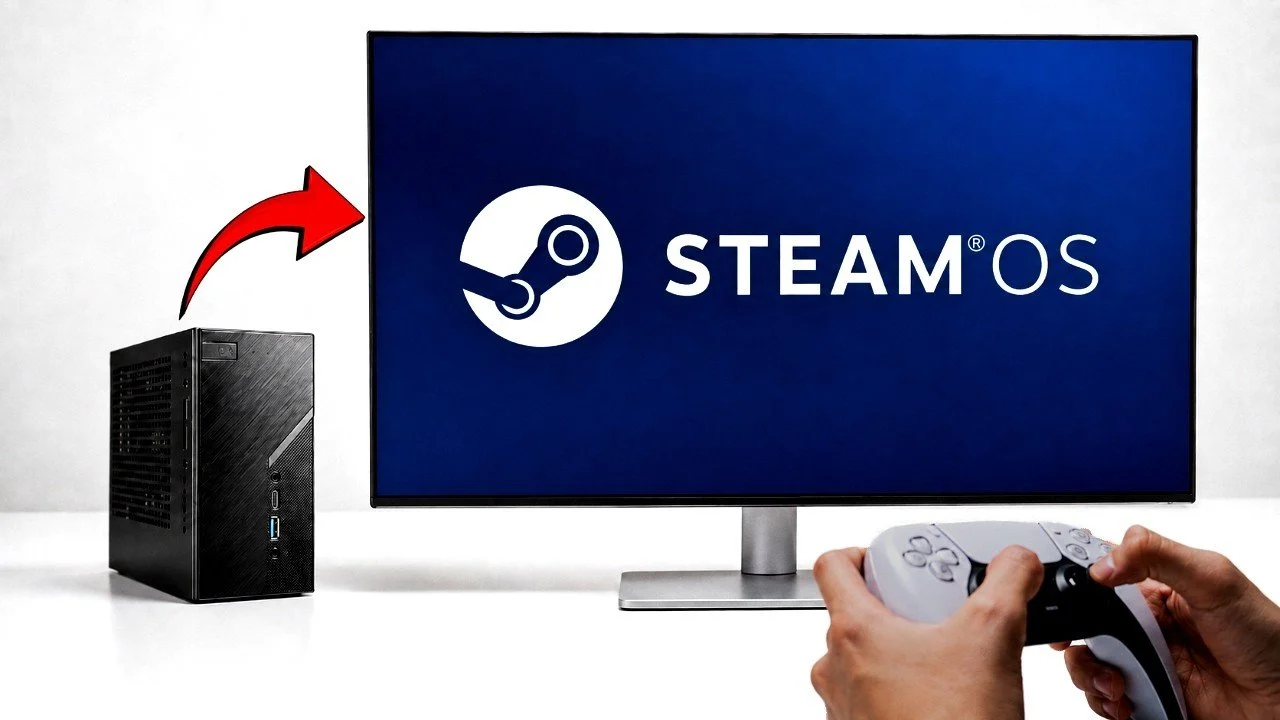
Valve’s decision to make SteamOS free has made it possible to repurpose mini PCs into dedicated gaming systems. Built on Arch Linux, SteamOS is designed for gaming performance and integrates with the Steam platform, providing access to a vast library of titles. According to Spec Tech, the setup process can present challenges, such as the need to disable Secure Boot in the BIOS and address potential hardware-specific issues like configuring certain NVMe drives. These steps require careful attention to ensure a smooth installation.
Learn how to tackle the installation process, including steps to verify hardware compatibility and adjust BIOS settings. Explore the gaming capabilities of setups like the ASRock DeskMini X300, and understand how integrated graphics handle performance for more demanding games. Additionally, gain insight into the dual functionality of SteamOS, which combines a gaming-focused interface with the KDE Plasma desktop environment for general computing tasks.
TL;DR Key Takeaways :
- SteamOS, built on Arch Linux, is now freely available, allowing users to turn compatible PCs into dedicated gaming systems with a streamlined gaming experience and full Linux desktop functionality.
- Installing SteamOS requires technical expertise due to hardware compatibility issues, BIOS adjustments (e.g., disabling Secure Boot), and potential manual configurations for networking and storage.
- Gaming performance varies by hardware; lightweight games run smoothly, but graphically demanding titles like Cyberpunk 2077 require a dedicated GPU for optimal performance.
- SteamOS includes the KDE Plasma desktop environment, allowing everyday tasks such as web browsing, office work and running non-Steam applications, making it a versatile dual-purpose OS.
- Despite its potential, SteamOS is in beta and presents challenges like occasional crashes, limited hardware support and a complex setup process, making it ideal for tech-savvy users willing to troubleshoot.
What is SteamOS?
SteamOS is a gaming-centric operating system developed by Valve, built on the robust foundation of Arch Linux. It has been customized to prioritize gaming performance and deliver a console-like experience for PC gamers. Seamlessly integrated with Steam’s ecosystem, it provides access to thousands of games, making it an appealing choice for those who want a dedicated gaming platform.
Beyond gaming, SteamOS includes the KDE Plasma desktop environment, which transforms it into a versatile operating system for general-purpose use. This dual functionality makes it suitable not only for gaming but also for tasks like web browsing, office work and running non-Steam applications.
How to Install SteamOS on Your Mini PC
Installing SteamOS is not as straightforward as installing a typical operating system. It requires specific hardware compatibility and some adjustments to your system’s BIOS. For instance, you’ll need to disable Secure Boot to proceed with the installation. Additionally, certain hardware components, such as some NVMe drives, may lack native support and Ethernet setup can be tricky, often requiring manual configuration through installation scripts or terminal commands.
Testing was conducted on an ASRock DeskMini X300 mini PC equipped with an AMD Ryzen 7 5700G processor, 16GB of RAM and integrated Radeon Vega graphics. This hardware provided a solid foundation for evaluating SteamOS’s performance, but the installation process required careful attention to detail. Users should be prepared to troubleshoot and make adjustments to ensure compatibility.

Gain further expertise in SteamOS by checking out these recommendations.
Gaming Performance: What to Expect
The gaming performance of SteamOS largely depends on the hardware it is running on. On the ASRock DeskMini X300, lightweight and older games performed exceptionally well, delivering smooth and enjoyable gameplay. For example:
- Silk Song achieved frame rates exceeding 200 FPS, showcasing the system’s ability to handle less demanding titles effortlessly.
- Tomb Raider maintained a steady 60+ FPS, providing a consistent and immersive experience.
- Competitive shooters like Counter-Strike 2 (CS2) ran at frame rates between 90 and 100 FPS, making it a viable option for fast-paced gaming.
However, graphically demanding games like Cyberpunk 2077 revealed the limitations of integrated graphics. Even at low settings, the game struggled to exceed 20 FPS, highlighting the need for a dedicated GPU if you plan to play resource-intensive titles. For casual or retro gaming, however, SteamOS performs admirably on modest hardware.
Thermal Management: Staying Cool Under Pressure
Thermal performance is a critical factor for any gaming system and the ASRock DeskMini X300 proved to be a reliable candidate in this regard. During testing, the AMD Ryzen 7 5700G maintained CPU temperatures around 70°C under load, even during extended gaming sessions. This level of thermal efficiency ensures stable operation and minimizes the risk of overheating, making the mini PC a viable option for a SteamOS-based gaming setup.
If you plan to push your system with more demanding games or extended use, making sure adequate cooling is essential. The ASRock DeskMini X300’s compact design and efficient cooling system make it well-suited for this purpose.
Beyond Gaming: Everyday Usability
SteamOS is not limited to gaming; its inclusion of the KDE Plasma desktop environment makes it a fully functional Linux operating system. This versatility allows users to perform a wide range of everyday tasks, such as:
- Browsing the web with ease.
- Handling office tasks, including document editing and spreadsheet management.
- Installing additional software through KDE Discover, a user-friendly application manager.
SteamOS also supports non-Steam applications, such as Minecraft, expanding its utility beyond gaming. This dual-purpose functionality makes it an attractive option for users who want a system capable of both productivity and entertainment.
Challenges and Limitations
While SteamOS offers significant potential, its beta status introduces several challenges that users should be aware of:
- Complex installation process: Hardware compatibility issues, such as unsupported NVMe drives, can complicate the setup.
- Networking difficulties: Ethernet configuration may require manual intervention, particularly during installation.
- Stability concerns: Occasional crashes and compatibility problems highlight the operating system’s developmental nature.
These limitations mean that SteamOS is best suited for tech-savvy users who are comfortable troubleshooting and making adjustments. For those willing to invest the time and effort, the rewards include a highly customizable and capable gaming platform.
The Future of SteamOS
SteamOS represents an important step forward in creating a dual-purpose operating system that caters to both gaming and everyday use. As Valve continues to refine the platform, improvements in hardware compatibility, stability, and ease of installation are expected. For now, SteamOS is an exciting option for those with the technical expertise to navigate its challenges.
With the right hardware, you can transform your mini PC into a capable Steam Machine, unlocking a new dimension of gaming and productivity. Whether you’re a gamer looking for a dedicated platform or a Linux enthusiast seeking a versatile operating system, SteamOS offers a unique and promising solution.
Media Credit: Spec Tech
Disclosure: Some of our articles include affiliate links. If you buy something through one of these links, techschimp Gadgets may earn an affiliate commission. Learn about our Disclosure Policy.