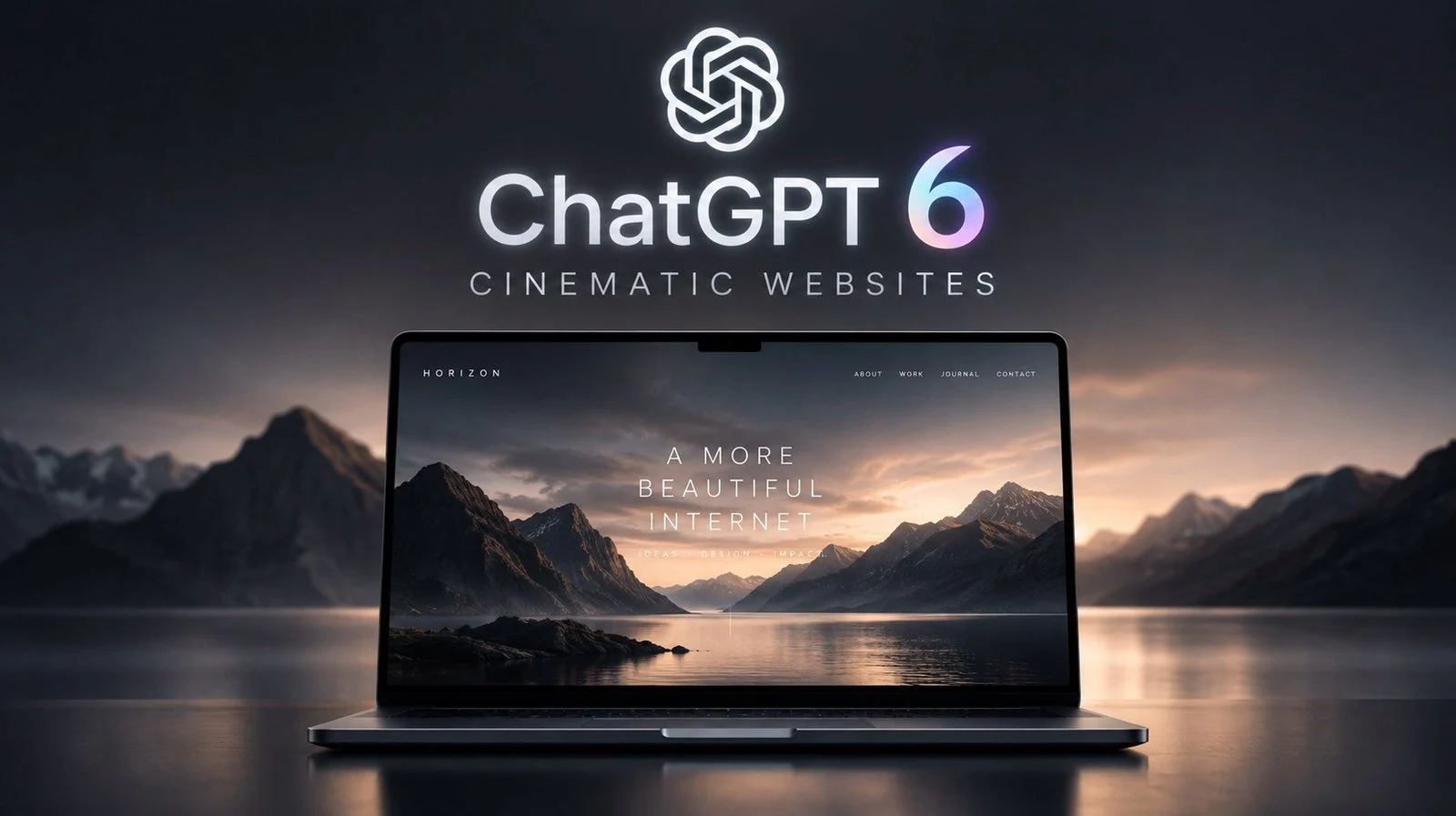
Creating a cinematic website involves more than just aesthetic appeal; it requires a thoughtful blend of design, functionality and user engagement. In this quick-start guide, Paul Lipsky explores how GPT-6 Astra and Higsfield can work together to help you build immersive, visually stunning websites. For instance, GPT-6 Astra can generate foundational layouts tailored to your website’s purpose, while Higsfield enhances the design with photorealistic images and videos. By combining these resources, you can craft a cohesive and professional design that aligns with your audience’s expectations.
Dive into this guide to understand how to organize your workspace, define your website’s purpose and incorporate interactive features like scroll animations and parallax effects. You’ll also learn how to refine visual elements, optimize performance and add finishing touches such as custom icons and autoplay videos. Whether you’re creating a site for a luxury retreat or a dynamic portfolio, these steps will help you achieve a polished and engaging result.
Creating Cinematic Websites with AI
TL;DR Key Takeaways :
- Preparation is key: Set up tools like GPT-6 Astra and organize assets to streamline the design process and maintain efficiency.
- Define purpose and audience: Understand your website’s goals, target audience and desired aesthetic to create a cohesive design.
- Focus on visuals: Use tools like Higsfield to generate photorealistic images and videos, making sure consistency and optimization for web use.
- Enhance interactivity: Incorporate features like scroll animations, booking forms and galleries to boost engagement and create dynamic user experiences.
- Refine and improve: Pay attention to styling, add finishing touches and embrace continuous updates based on user feedback and performance testing.
1: Preparing Your Tools and Workspace
Before diving into the creative process, it’s essential to set up the right tools and organize your workspace. Start by:
- Using the ChatGPT desktop app to ensure a seamless and efficient workflow.
- Choosing GPT-6 Astra as your primary model for generating layouts, content and design ideas.
- Organizing all project assets, such as images, videos and templates, in a dedicated folder for easy access.
This preparation lays the foundation for a streamlined process, allowing you to focus on creativity and execution without unnecessary interruptions. A well-organized workspace ensures that your design process remains efficient and productive.
2: Defining Your Website’s Purpose and Audience
A clear understanding of your website’s purpose and target audience is crucial to creating a cohesive design. Begin by asking yourself:
- Who is the intended audience for this website?
- What is the primary goal or message the website should convey?
- What mood, tone, or aesthetic should the design reflect?
For example, if you’re designing a website for a luxury mountain retreat, focus on themes such as exclusivity, tranquility and warmth. Use GPT-6 Astra to generate a foundational layout that includes essential sections like the homepage, about page, services and contact information. Refine this layout iteratively, incorporating feedback and testing functionality to ensure it aligns with your vision and audience expectations.

Learn more about ChatGPT 6 with other articles and guides we have written below.
3: Crafting a Visually Stunning Experience
Visual elements are the cornerstone of any cinematic website. They set the tone and immerse visitors in the website’s narrative. To enhance visual appeal, consider the following:
- Use Higsfield to generate photorealistic images and videos that align with your website’s theme. For instance, create visuals of serene landscapes, cozy interiors, or dynamic action shots, depending on your concept.
- Customize these visuals to ensure they match your website’s tone and style seamlessly.
- Optimize all images and videos for web use to maintain fast loading times without compromising quality.
Consistency in visual elements is key to delivering a polished and immersive experience. Ensure that colors, textures and imagery work together to create a cohesive design that resonates with your audience.
4: Incorporating Interactive Features
Interactive features elevate user engagement and transform static designs into dynamic experiences. Consider integrating the following elements:
- Scroll animations or parallax effects to create smooth transitions and reveal content dynamically.
- Interactive booking forms or calendars that allow users to make reservations directly on the website.
- Photo galleries or video showcases that highlight key offerings or experiences in an engaging format.
These features not only enhance usability but also immerse visitors in the website’s story, making their experience memorable and impactful.
5: Refining Styling and Customization
Styling plays a significant role in creating a professional and cohesive design. Focus on the following aspects:
- Adjust colors, fonts and buttons to align with your website’s overall theme and branding.
- Incorporate subtle design elements like rounded edges, drop shadows and smooth transitions to add depth and sophistication.
- Maintain consistent typography and spacing throughout the website to ensure a clean and organized layout.
Attention to these details enhances the overall user experience, making sure that your website feels polished and visually appealing.
6: Adding Finishing Touches
Once the core design is complete, focus on refining the finer details to elevate your website further. Suggestions include:
- Replacing placeholder icons with custom-designed ones that align with your theme, using Higsfield for precision.
- Adding sections for user reviews, local activities, or additional visuals to provide extra value and context for visitors.
- Integrating autoplay videos, such as a short cinematic clip showcasing your brand or location, to enhance storytelling and engagement.
These finishing touches add depth and personality to your website, making sure it stands out and leaves a lasting impression on visitors.
7: Embracing Continuous Improvement
A cinematic website is a living project that evolves over time. To keep your design fresh and relevant, adopt an iterative approach by:
- Gathering user feedback to identify areas for improvement and address usability concerns.
- Conducting regular performance tests to ensure fast loading times and smooth functionality, especially for interactive features.
- Updating content, visuals and features periodically to reflect changes in your brand or audience preferences.
This commitment to continuous improvement ensures that your website remains dynamic, user-friendly and aligned with industry standards, keeping your audience engaged over time.
Media Credit: Paul J Lipsky
Disclosure: Some of our articles include affiliate links. If you buy something through one of these links, techschimp Gadgets may earn an affiliate commission. Learn about our Disclosure Policy.

![This unique retro dock adds a flip-up display, Thunderbolt 5, & 8TB storage to your Mac [Video]](https://shopvante.com/wp-content/uploads/2026/09/wokyis_2x1_400kb-336x220.jpg)