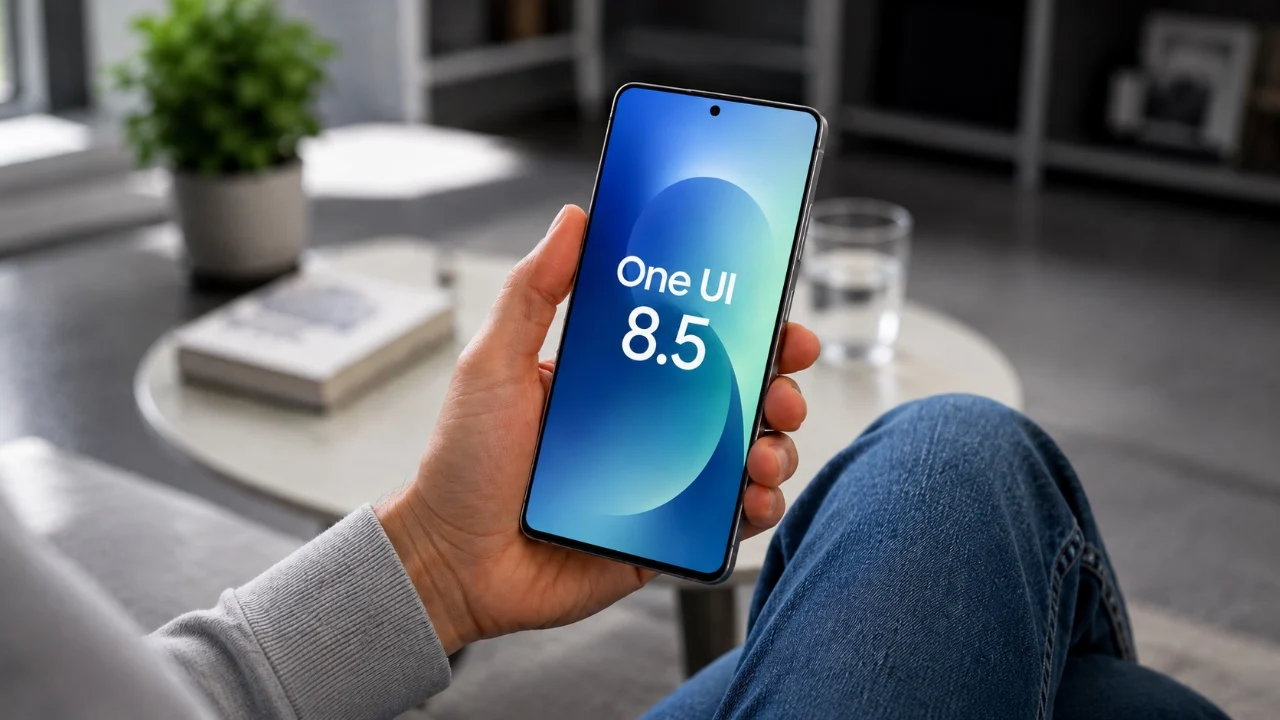
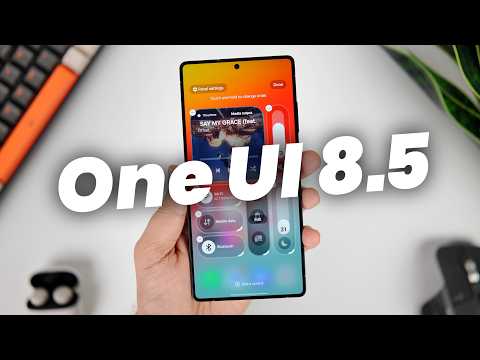
Samsung’s One UI 8.5 update has officially arrived, bringing a range of enhancements designed to elevate your Galaxy device experience. With a focus on customization, AI-driven tools, and improved functionality, this update enables you to personalize your device like never before. Here are the top 10 features to explore and make the most of this update. The video below from Mr Android FHD gives us more details on the update.
1. Personalize Your Quick Settings
The revamped Quick Settings menu in One UI 8.5 offers greater flexibility and usability. You can now reorder, resize and customize tiles, sliders and media controls to suit your preferences. The tiles are larger and feature a brighter background for improved visibility, making navigation more intuitive. For advanced customization, the GoodLock app and its QuickStar module allow you to fine-tune the layout and functionality of your Quick Settings, making sure a tailored experience.
2. Use Partial Screen Recording
The new “Partial Screen” recording feature is a fantastic option for capturing specific areas of your screen. Whether you’re sharing a tutorial, highlighting important details, or creating focused content, this tool ensures precision. A built-in magnifying tool helps you select the exact area you want to record, eliminating unnecessary distractions and making your recordings more professional.
3. Activate AI Call Screening
Managing spam and unknown calls is now easier with the AI-powered call screening feature. This tool identifies suspicious or unknown callers, giving you the option to answer, block, or ignore them. You can also customize the feature by setting your preferred language for call screening, making sure seamless and personalized functionality. This is particularly useful for maintaining productivity and avoiding interruptions.
4. Enhance Audio Clarity
Audio quality sees a significant improvement with the updated Audio Eraser tool. This feature reduces background noise across calls, video streaming apps and live broadcasts. Whether you’re in a noisy environment or enjoying media, the enhanced clarity ensures a distraction-free listening experience. This update is especially beneficial for professionals who rely on clear communication during virtual meetings or calls.
5. Create Custom Wallpapers
The “Creative Studio” feature introduces a new way to personalize your device. Using descriptive prompts, you can generate unique wallpapers that reflect your style. Additionally, adaptive clock placement ensures that your lock screen clock doesn’t overlap with key elements in your wallpaper. For added functionality, real-time weather updates can now be displayed directly on your lock screen, keeping you informed at a glance.
6. Edit Photos with AI Assistance
The Gallery app now includes advanced AI tools like “Photo Assist Create,” which allows you to edit images using simple text prompts. This feature enables you to blend objects from different photos seamlessly, opening up creative possibilities for your projects. Sensitive images can also be stored in a private album secured by fingerprint access, making sure your personal content remains protected.
7. Optimize Your Lock Screen
One UI 8.5 introduces adaptive lock screen adjustments, making it easier to create a polished and personalized look. The clock and other elements automatically adjust to avoid obscuring your wallpaper’s subject. You can also reposition wallpaper elements for better alignment, giving your lock screen a refined appearance that matches your preferences.
8. Secure Private Photos
The new private album feature in the Gallery app adds an extra layer of security for your sensitive photos. By allowing fingerprint access, you can ensure that only you can view these images. This feature is ideal for safeguarding personal or confidential content, offering peace of mind and enhanced privacy.
9. Unlock Advanced Customization with GoodLock
GoodLock continues to be an essential tool for Galaxy users who want to push customization further. With the QuickStar module, you can tweak the Quick Settings menu, while other modules allow you to adjust animations, multitasking layouts and more. This app is a must-have for unlocking the full potential of One UI 8.5, giving you control over nearly every aspect of your device’s interface.
10. Experiment with Image Blending
The image blending feature in the Gallery app allows you to merge objects from different photos, creating unique compositions. This tool is perfect for creative projects, enhancing your social media posts, or producing professional-looking edits. With this feature, you can explore new artistic possibilities and elevate your photo editing skills.
Explore the Possibilities of One UI 8.5
One UI 8.5 is packed with features that prioritize customization, AI-powered tools, and everyday functionality improvements. By diving into these updates, you can tailor your Galaxy device to your preferences and enjoy a more efficient, personalized experience. Whether you’re a casual user or a tech enthusiast, this update offers tools and enhancements that cater to a wide range of needs. Start exploring these features today to unlock the full potential of your Samsung Galaxy device.
Here are more guides from our previous articles and guides related to One UI 8.5 that you may find helpful.
Source & Image Credit: Mr Android FHD
Disclosure: Some of our articles include affiliate links. If you buy something through one of these links, techschimp Gadgets may earn an affiliate commission. Learn about our Disclosure Policy.