Apple is finally entering the foldable phone market with the iPhone 18 lineup, giving users another way to experience the iPhone with a larger, more flexible display. For Android users who have been drawn to foldable phones, the new iPhone could make Apple’s ecosystem more tempting than ever.
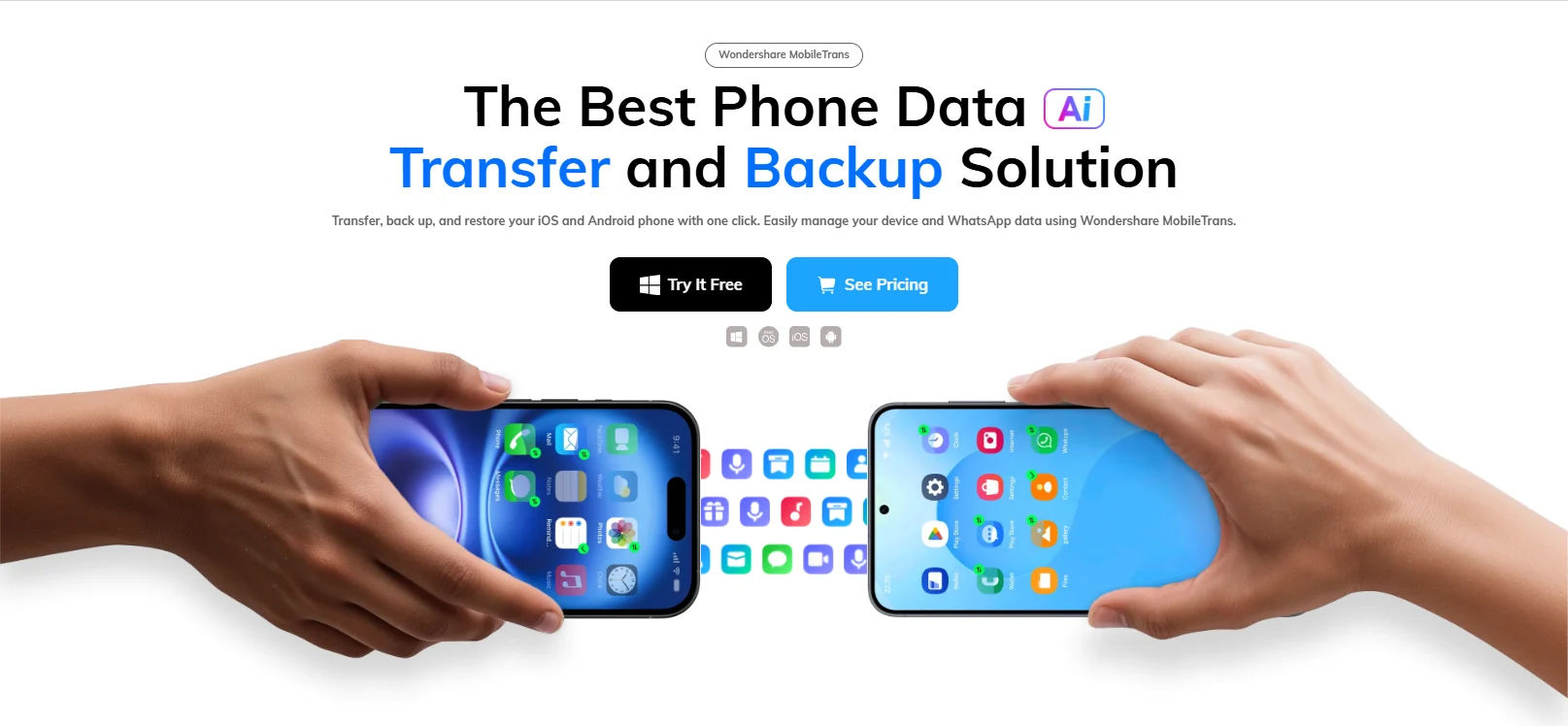
For some Android users, switching to an iPhone may now feel worth considering. Wondershare MobileTrans can help simplify that transition by transferring data from an Android phone to a new iPhone, making it easier to bring existing contacts, photos, messages, and other important content along.
Why Switching from Android to iPhone Can Be Complicated
Changing phones can involve much more than moving photos and contacts. Years of messages, videos, music, calendars, and app data can also be tied to an existing device. Moving this information between Android and iOS can require additional steps because the two platforms use different operating systems and app ecosystems.
The timing of the transfer can also matter. Some users may complete the initial setup of their new iPhone before realizing that they still need to move data from their old Android device. Having a transfer option that works beyond the initial setup can therefore make the transition much easier to manage.
Wondershare MobileTrans provides a straightforward way to handle that part of the process. It supports phone-to-phone transfers between Android and iOS, allowing users to move important data to a new iPhone without manually handling each type of content.
What Is Wondershare MobileTrans?
Wondershare MobileTrans is designed as a broader phone data management tool, covering phone-to-phone transfers, app data transfers, and backup and restore.
Its Phone Transfer feature supports transfers between Android and iOS devices and covers 18+ types of data, including contacts, photos, videos, messages, music, and calendars. It also supports more than 6,000 devices, covering phones from a wide range of manufacturers.
MobileTrans also includes dedicated tools for transferring data from messaging and social apps, with support for WhatsApp and other supported apps. Users can also use its Backup & Restore capabilities to create backups of phone data and restore them when needed.
For someone moving from Android to an iPhone 18, the Phone Transfer feature is the most relevant place to start. It provides a way to move selected data across platforms without having to handle each category manually.
Move Your Data Across Platforms with MobileTrans
The transfer process is built around three basic steps.
Connect the Android phone and iPhone to a computer and open MobileTrans. The software recognizes the connected devices and identifies the source and destination phones. Users can check the transfer direction before proceeding.
- 2. Choose What to Transfer
MobileTrans lets users select the data they want to move. Depending on the supported devices and transfer scenario, this can include contacts, messages, photos, videos, music, calendars, and other content.
This selective approach can be useful when an old phone contains years of accumulated data. Users can bring the information they actually need to the new iPhone without treating the entire contents of the old phone as one package.
Once the data has been selected, users can start the transfer and let MobileTrans handle the process between the two devices.
The feature also supports transferring data to an iPhone that has already been set up. That means users who have already completed the initial iPhone setup can still move supported data from their Android phone afterward, rather than having to start the setup process over.
Moving WhatsApp and Other App Data
Phone data goes beyond the files stored directly on a device. For many users, messaging history is just as important as their photos and contacts, particularly when it contains years of conversations and shared media.
MobileTrans provides dedicated tools for transferring WhatsApp data between supported Android and iOS devices. Depending on the supported transfer scenario, users can move WhatsApp messages along with associated photos, videos, and other files. MobileTrans also supports WhatsApp Business and other messaging apps, giving users more options when moving their communications to a new phone.
This can be particularly useful for Android users moving to iPhone, where keeping an existing messaging history can be an important part of making a new device feel familiar from the start.
Things to Know Before You Transfer
A little preparation can help the transfer go smoothly. Make sure both phones have sufficient battery and that the required connections are established before starting. Check the available storage on the new iPhone, especially if you plan to move a large photo or video library.
It is also worth backing up important data before starting. For app-specific transfers, check whether the particular app and transfer scenario have any platform-related limitations.
With the right preparation, MobileTrans can take much of the manual work out of moving from Android to iPhone. That leaves users free to spend less time rebuilding their new phone and more time exploring what the latest iPhone has to offer.
Disclosure: Some of our articles include affiliate links. If you buy something through one of these links, techschimp Gadgets may earn an affiliate commission. Learn about our Disclosure Policy.